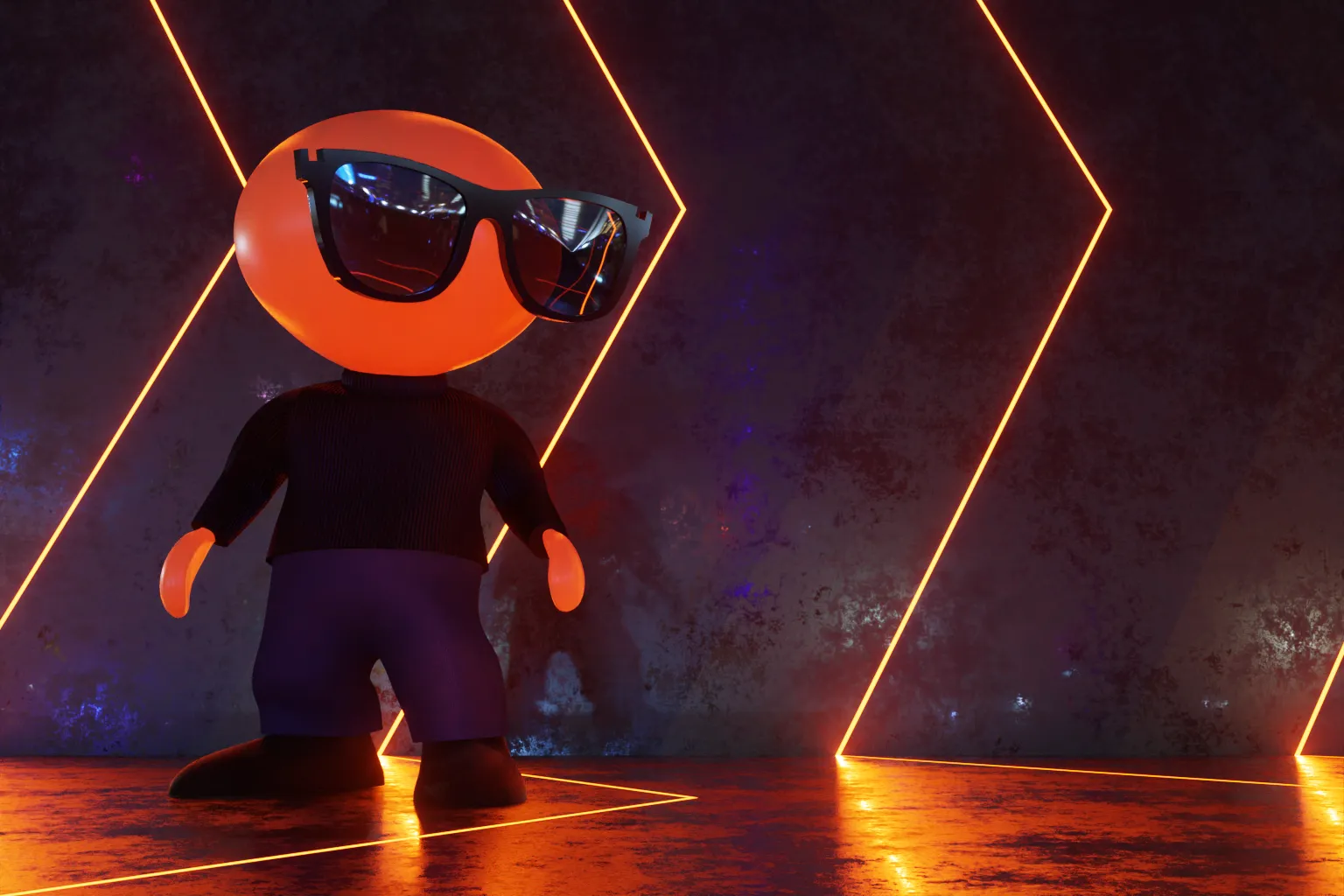
Stylized 3D figure representing Don Schnitzius wearing sunglasses, standing in a dark space with glowing orange light lines.

Blender 3D

Some people are gamers — I’m a Blenderhead.

The coolest visuals I ever saw — after Akira, of course — are the light-cycle race from the original Tron.

That kind of childhood wonder never goes away, does it? I’ve wanted to play in that world — that Syd Mead and Moebius version of the future — ever since. But for decades, the top commercial tools were too expensive, and the affordable ones were too crude to give me the results I wanted.

Even so, I kept at it. My longtime avatar, D-Man (above), was originally created and animated with the Phong-shaded geometry primitives of the 1990s, and that was… good enough for jazz.

Around 2019, just as the pandemic handed us a “window for personal development” we didn’t necessarily ask for, Blender’s powerful suite of 3D tools finally gained a user-friendly interface.

I’ve been hyperfixated ever since, using it to bring those long-held, Tron-inspired ideas to life. The work you see here helps close that loop.
Figurative modeling

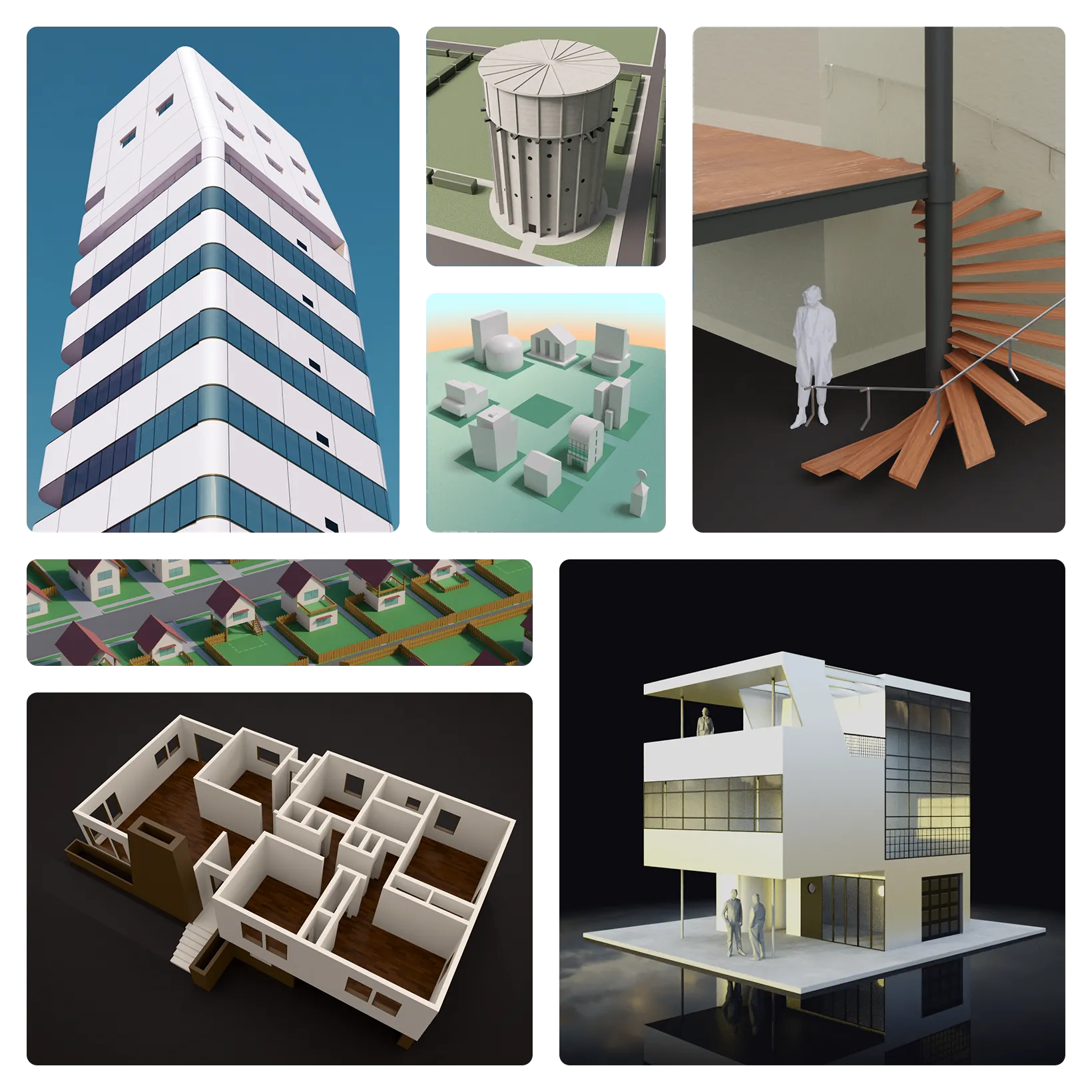
I love the lost world of mid-20th century modern design.

I’m drawn to the optimism, the weight, and the purposeful simplicity of the aesthetic. Most of all, I miss the idealism.

Modeling in this style lets me step back into that era. It’s an exercise in pure creation that’s simple, unencumbered, and entirely subscription-free.

It may just be Minecraft for grown-ups, but for me, the ability to sculpt and build virtual worlds at any scale is as calming as zero gravity.

Bento-style grid showing renders of figurative architectural 3D work created with Blender.

Abstract geometry

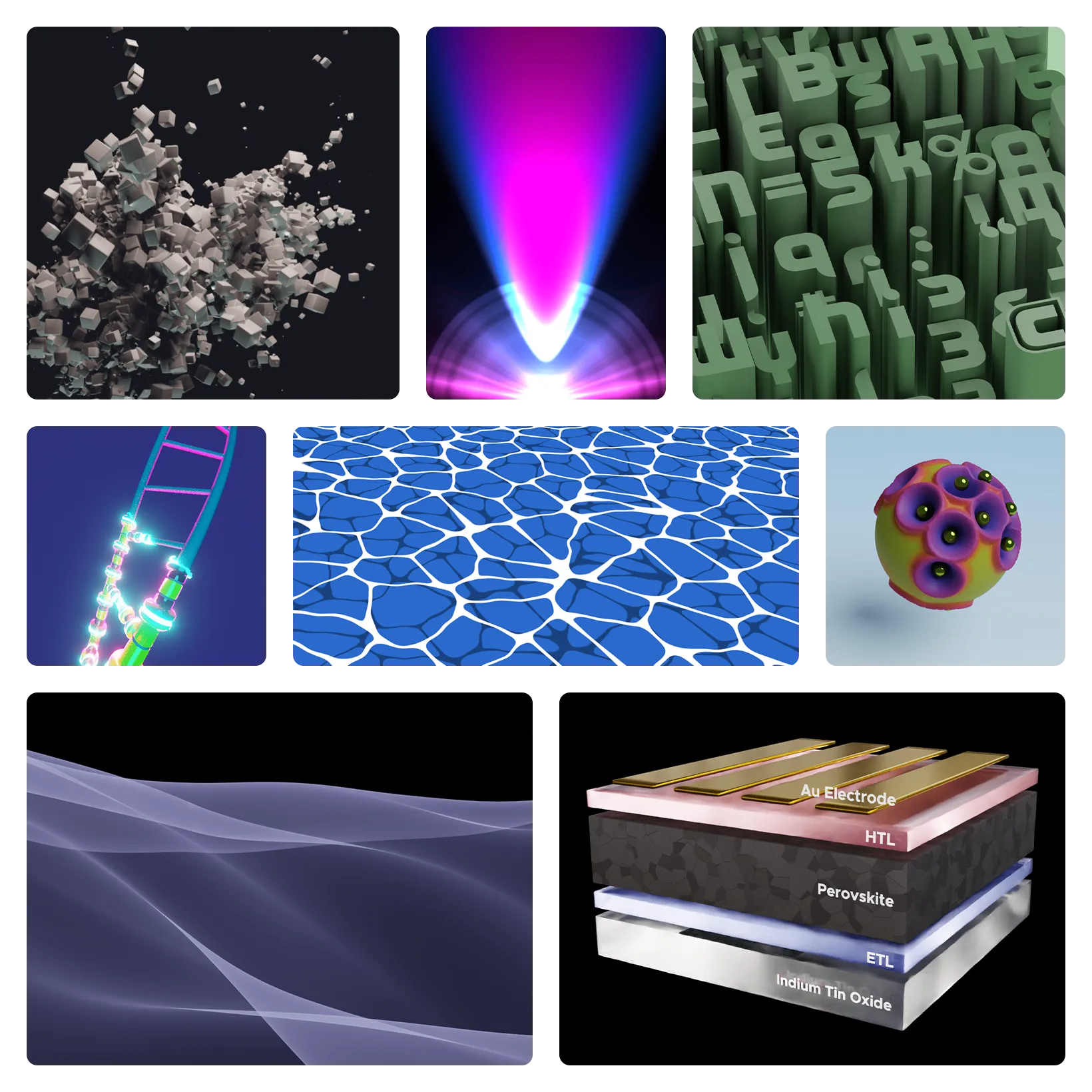
As much as I love the precision of modeling “real” objects, Blender is also a playground for math and generative art.

I cut my teeth on Python, writing scripts to automate complex, repetitive tasks. Over time, Blender’s new Geometry Nodes simplified that process, giving us a cleaner, more modular way to turn code patterns into visible structures.

Often, something emerges that I didn’t plan for, but that I instinctively recognize as right. When that happens, I stop being the author and become the audience.

Bento-style grid showing renders of abstract 3D work created with Blender.

Add-ons & community assets

Half the fun of 3D is building tools that make the work faster. Sharing them with the worldwide community is the other half.

To this end, I’ve created a series of “Quick” extensions that automate lighting, materials, and other repetitive tasks. With 45k+ downloads of Quick Lighting Environment across GitHub, Gumroad, and the official Blender Extensions platform, I must be doing something right.

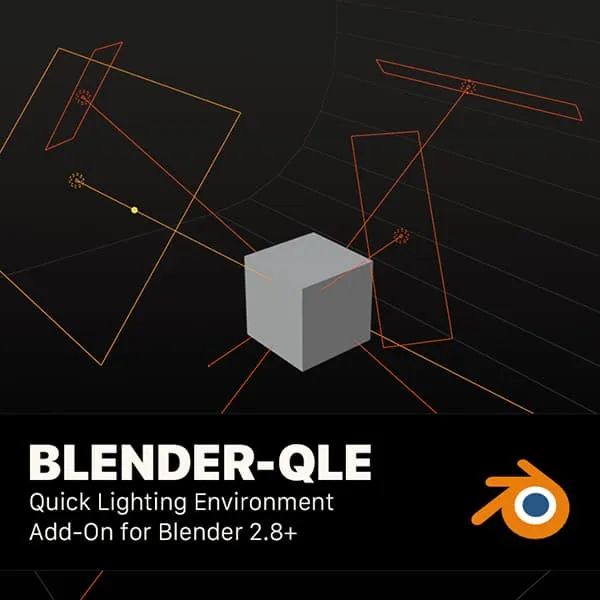
Poster thumbnail showing Blender Quick Lighting Environment add-on with a cube scene, lighting guides, and Blender logo.

Quick Lighting Environment

A basic, neutral four-point lighting rig and backdrop you add with one click. The setup uses specific Blackbody temperatures (3,800K to 20,000K) to create natural color contrast while maintaining a neutral gray baseline. Use as-is for quick studio renders, or customize for more expressive lighting.

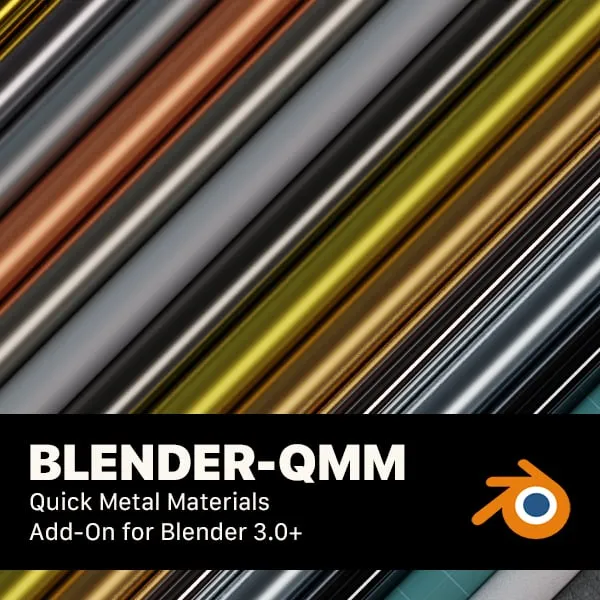
Poster thumbnail showing Blender Quick Metal Materials add-on with diagonal metallic material strips and Blender logo.

Quick Metal Materials

A curated library of 56 common metals, alloys, and extras. They are built to be physically accurate, and include custom node groups for texturing. They are designed to be edited and used as blueprints for learning how to create your own custom textures.

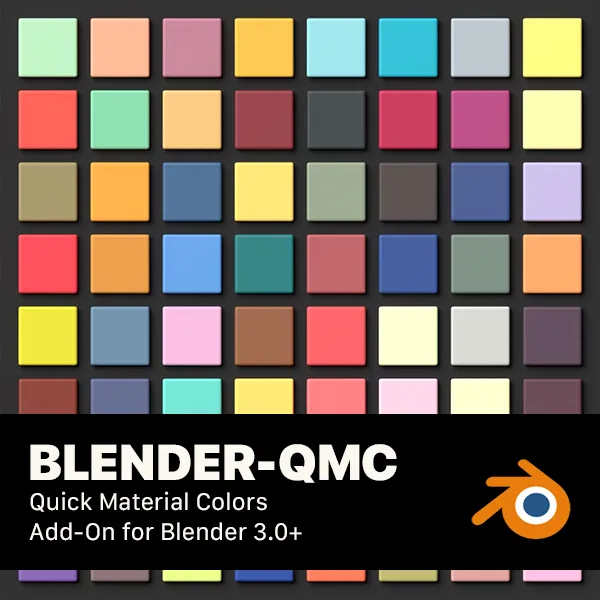
Poster thumbnail showing Blender Quick Material Colors add-on with a grid of colored material swatches and Blender logo.

Quick Material Colors

A shortcut to assign specific colors from a library of 2,000+ presets. The collection covers standards like AMS, RAL Classic, and British Standard, alongside Pantone’s Color of the Year and many more. It automatically maps these to Principled BSDF nodes and viewport displays, or to any custom node you specify.


If something here connects with what you’re working on, or if you just want to compare notes,
I’d love to hear from you.